Every module. One agency. One login.
Cordial Systems is one connected platform for EMS, fire, law enforcement, air medical, and communications — 67 modules covering response, readiness, compliance, personnel, and reporting. Turn on what you need. Everything else stays hidden.
Pick a package, or build your own.
Most agencies start with a package and grow into the rest. Modules can be added or removed at any time — anything left off stays hidden from your staff entirely.
Essentials
The ten modules almost every agency turns on first.
- Risk Assessment
- Agency Pass Along
- Incident Reports
- Medication Readiness
- Fleet Readiness
- Fleet Maintenance
- Calculators
- Newsfeed
- Agency Dashboard
- Reports
EMS Operations
For ground, air, and transport services.
- Transfer Schedule
- Quality Assurance
- Controlled Substances
- AED Checks
- Protocols
- Supply Order Tracking
- Asset Management
- Scheduling
- Messaging
- Map
- Education
Fire Operations
For career, combination, and volunteer departments.
- NERIS Incident Reports
- Fire Hydrants
- Business Inspections
- Activities Tracking
- Emergency Planning
- Public Education
- Weather Reporting
- Asset Management
- Scheduling
- Messaging
- Map
- Education
Personnel & Training
The workforce side, for any discipline.
- Education
- Field Training
- CPR Classes
- Testing & Evaluation
- Employee Evaluations
- Applicant Tracking
- Disciplinary Action
- Occupational Health
- Document Signatures
- Scheduling
Complete Platform
Every module in the catalog below, on for your agency from day one. Your administrator still decides which staff see which module — access is set per role and per person, not all-or-nothing.
Every module, in plain language.
Fifty-three modules you choose from, plus fourteen included with every account. Each one carries its own permissions, its own audit trail, and its own reports.
Response & daily operations
EMS · Fire · Law · CommsRisk Assessment Tool
The live transfer risk assessment form crews open and submit from the truck or the phone.
Transfer Schedule
What the office has scheduled, who is running it, and the email that goes with it. Staff read-only on purpose.
Agency Pass Along
Shift-to-shift notes on buildings, vehicles, specialty items, personnel, and injuries.
Incident Reports
Incidents, near misses, and safety concerns on a form you write yourself, with exports and audit history.
Quality Assurance
Review a call against a rubric you write — met, not met, or not applicable, with no score to argue over. Packs for EMS, fire, law enforcement, and air medical, with corrective actions and a program report.
Station Dashboard
A wall board for the day room: today's crews by unit, units out of service, checks, weather, and transfers.
Weather Reporting
A full seven-day National Weather Service report saved to a large incident, with alerts, radar, and hourly detail.
Map
Your service area, response zones, hydrants, and any GIS shapefile you already own, on one agency map.
Incident Command
The command board for a working incident: who is on scene and who is inside, air cylinder times, zones and triage on the map, and a log that writes itself. Prints as an ICS worksheet.
Resource Availability
What the agency has right now and what it could send — staffed units, apparatus, special teams, beds and on-call services — filed once and read by anyone who needs it.
Forms Library
The blank paperwork an agency issues, where crews can find it: refusals, transfer packets, exposure reports, accident forms. On the phone at the kerb and on the web.
Dispatch & CAD
EMS · Fire · Law · CommsCalls for Service
Live dispatch traffic from your CAD: the running calls on the phone, the full run log, and a call volume report over any window you pick.
CAD Alerts
The dispatch push itself: the phone rings the moment a call goes out, with the nature and the address. A separate switch from the run log.
Divert Options
The nearest emergency departments to where the crew is standing, a phone number for each, and one tap to navigate — with administrators told when a crew diverts.
Fire & prevention
Fire departments and districtsNERIS Incident Reports
Fire and EMS incidents in the NERIS data model — the federal system replacing NFIRS — with an officer review chain.
Fire Hydrants
A hydrant register tied to the map: unique IDs, connection sizes, rated flow, test dates, and in-service status.
Business Inspections
Occupancies, a self-inspection checklist you write, pass/fail per item, and re-inspection dates with overdue reminders.
Emergency Planning
Pre-incident plans: construction, protection systems, NFPA 704 hazards, water supply, access, and the tactical write-up.
Activities Tracking
Community work that never hits a run report — detector installs, outreach, station tours — with time and photos.
Public Education
PR events and community classes — CPR, First Aid, Stop the Bleed — with rosters, participants, and outreach reporting.
Readiness checks
EMS · Fire · LawFleet Readiness
Daily checkoffs on your own checklist for ambulances, apparatus, patrol units, aircraft, and quick-response vehicles.
Fleet Maintenance
Maintenance requests, repair notes, shop history, and the out-of-service flag that follows a failed check.
Asset Management
Equipment, radios, and stations by serial number — service work, parts, costs, depreciation, and PM due dates.
Medication Readiness
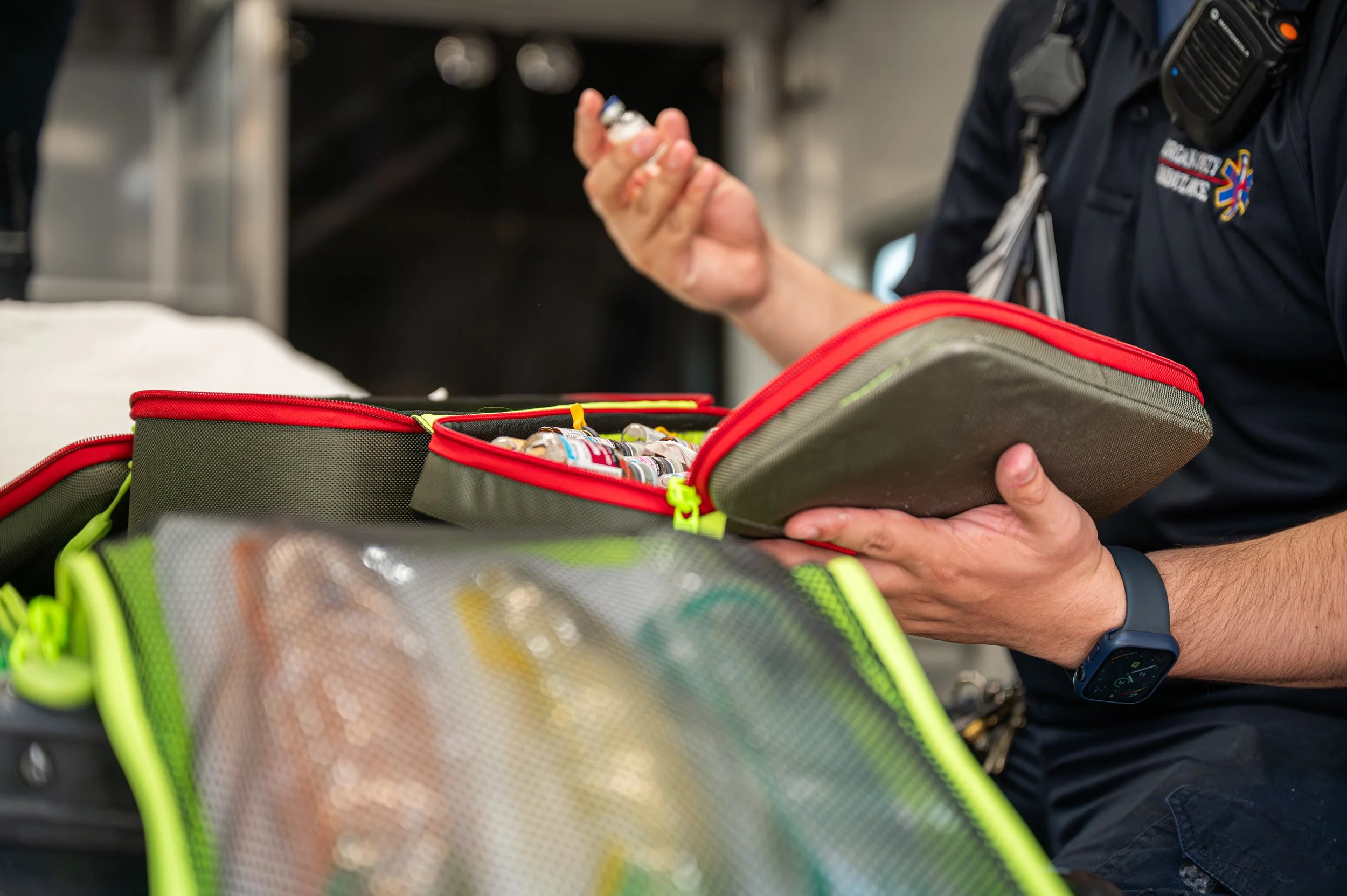
Drug box checks, expiration reporting, and recurring report schedules that land in the right inbox.
AED Checks
Every community AED you are responsible for: location, checks, reminders, exports, and audit history.
Controlled Substances
DEA-style chain of custody — administration, witnessed waste, seal checks, counts, restock — sequenced and hashed.
Setup review requiredGear Checkoff
The turnout gear each firefighter is issued and the recurring look-over that keeps it on the line: tears, char, soiling, hardware, trim, liner. The member is told when theirs is due.
Clinical
EMS and fire-based EMSProtocols
Your current protocol set on every phone, with uploading, versioning, and archiving reserved for admins and medical directors.
Protocol Builder
Write protocols inside Cordial instead of uploading a finished PDF, with doses and thresholds held as governed values.
Setup review requiredCalculators
Bedside dose, weight-based, and pediatric colour-zone calculators — 57 formulas, with the arithmetic shown.
Document Signatures
Send a policy PDF out for signature DocuSign-style, with per-person signing links and the signed copy filed on the record.
Setup review requiredWorkforce
EMS · Fire · Law · CommsScheduling
Shift calendars, A/B/C crews, PTO, call-outs, special assignments, and trade requests across every station.
Payroll & Timekeeping
The schedule becomes the timekeeping record: pay codes, FLSA work periods, accruals, and an approved hours sheet.
Employee Evaluations
Your own evaluation form on your own letterhead, with quarterly goal check-ins and two signature blocks.
Occupational Health
Physicals, respirator clearance and fit tests, exposures, on-duty injuries, and light-duty restrictions — confidential.
Disciplinary Action
A confidential section on the record for actions taken, follow-up, and the signed write-up. Ships off.
Compensation
Pay rate and effective date, raise history, FLSA classification, and per-person accrual — confidential.
Training & credentials
EMS · Fire · Law · CommsEducation & Competency
Courses, lectures, CE hours, check-in links, and a certificate on completion — plus competencies, remediation, and renewal tracking.
Field Training
New hires and certification changes through FTO: call and shift evaluations, required contacts, and clearance.
Daily Observation Reports
Shift-by-shift field training for communications centers and law enforcement: enroll a trainee, file a DOR against your own competencies, and sign it off.
Testing & Evaluation
Build a test once, deliver it by secure link, grade it in a queue, and issue a certificate on pass.
CPR Classes
Class type, date, location, cards needed, payment, and a roster — typed, self-registered by public link, or uploaded.
Applicant Tracking
Open positions, applications and documents, interviews, and the decision — with the reason when someone is not selected.
Logistics, purchasing & billing
EMS · Fire · Law · CommsLogistics & Purchasing
Budget lines, purchase orders, revenue, and vendors, next to an overview of what is on order, what needs reordering, and what is in the shop.
Supply Order Tracking
Orders, vendors, delivery receiving, exports, and audit history from request to the shelf.
Uniform Ordering
Requests with required size and quantity, a preferred vendor and policy, and manager approval through delivery.
Invoices
Bill a town for coverage or standby and track what it owes: your own invoice numbers, your own letterhead, and the payment recorded against the invoice.
Communication
EMS · Fire · Law · CommsMessaging
Direct, group, and agency-wide messages between staff — every conversation audited.
Newsfeed
Channels, posts, comments, reactions, and pinned announcements for the whole agency.
Dashboards, reporting & oversight
Agencies, states, and regionsAgency Dashboard
Operations, reporting, map, call list, and the module dashboard parts each person is allowed to see.
Reports
The central reporting workspace: cross-module reports, histories, audit trails, and branded PDF or Excel exports.
State Dashboard
The shared statewide view for agencies that report into a state or regional oversight body.
Oversight agenciesState Analytics
Workforce and certification mix, credential expirations, apparatus, mileage, training, and activity across reporting agencies.
Oversight agenciesNobody sees a screen they shouldn't.
A module being on for the agency does not mean it is on for everyone. Build the roles your agency actually uses, set the baseline there, then override it for the one person who needs something different.
- View, create, edit, and manage set separately per module
- Custom roles you name yourself — not a fixed list of five
- Per-person overrides that win over the role
- Confidential sections locked to the people you name
- Every action written to an audit trail you can export
- Nothing is ever deleted — records archive and stay recoverable
Fourteen things you never have to ask for.
These come with every Cordial Systems account, whichever package you land on.
Personnel Management
Roster, roles, certifications, files, and photos.
Agency Settings & Custom Roles
Your structure, your permissions, your branding.
Facilities Directory
Hospitals, care facilities, and the details behind each.
Form Editors
Rewrite the intake, QA, check, and evaluation forms yourself.
Audit Trail
Every action logged, role-scoped, and exportable.
Archived Records
Nothing is deleted. Archived records stay recoverable.
Data Import
Preview then commit — rosters, schedules, fleet, and more.
Phone Directory & Door Codes
The numbers and codes crews actually need at 2 a.m.
Platform Search
One search box across every module you can see.
Alerts & Notifications
Push and email per event, targeted by role.
Help Center
Guided help and an in-app assistant on every screen.
Support Desk
Tickets straight from the app, answered by us.
iOS and Android apps
Native apps for both platforms, included.
Security & Backups
Nightly backups, guardrails, and tenant isolation.
Tell us what your agency runs. We'll tell you what to turn on.
Send us your discipline, your staffing, and what you are tracking on paper today — and we will come back with the exact module list and what it costs.
Get a quote →Let's talk about your agency.
Complete the form below with a few details about your operation — your discipline, how you are staffed, and what you are tracking today. We will review your message and get back to you within 48 hours.